Bypass geo-blocked content! and stay safe & annonymus online.
If you're blocked from viewing content based on your location, consider using a VPN to unblock it. A VPN is a service that switches your online identity with another one so that you appear online as if you're from another geographical location.
Check out NordVPN
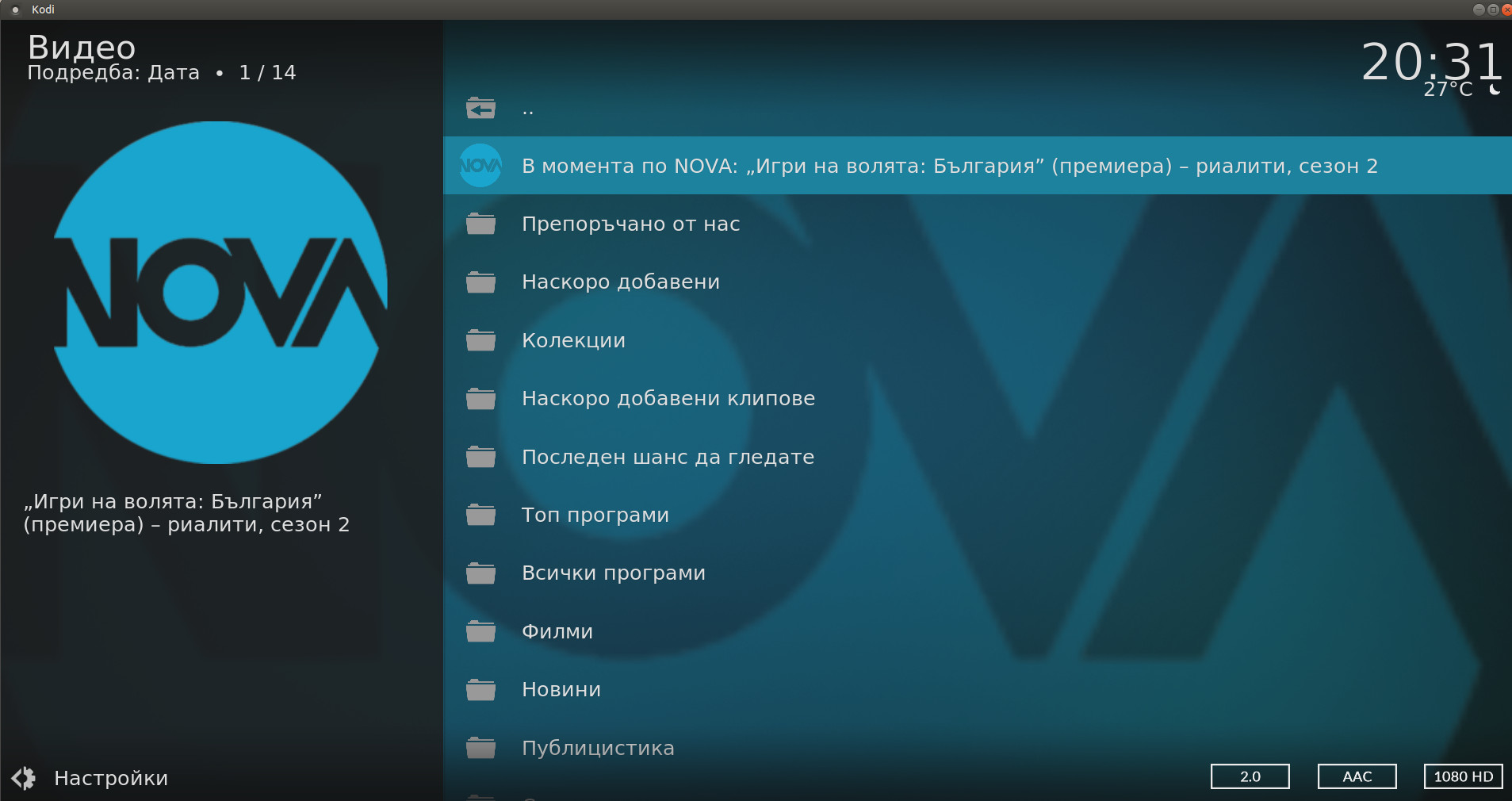
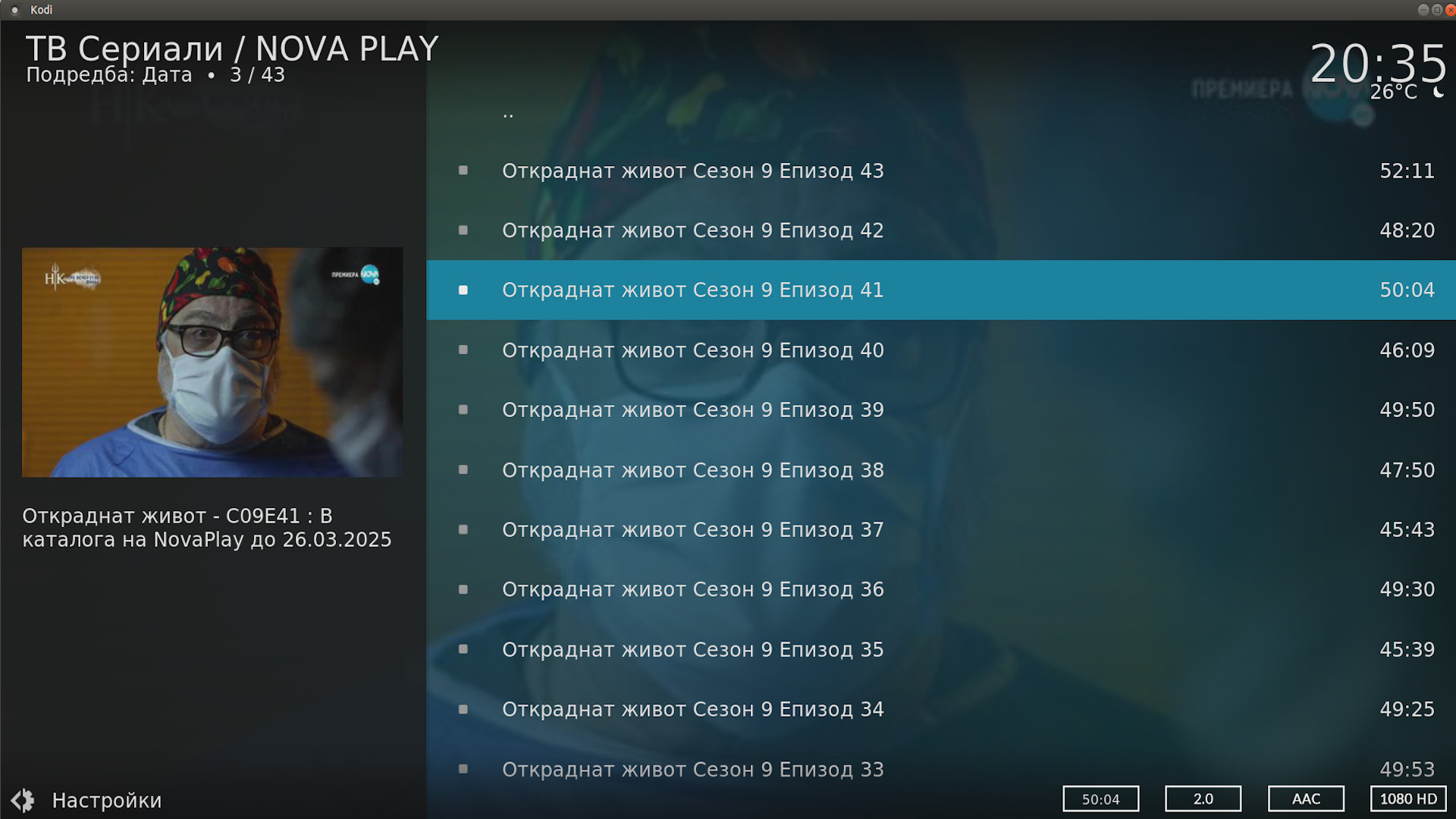
Addon for watching videos from play.nova.bg
Disclaimer
Some parts of this addon may not be legal in your country of residence - please check with your local laws before installing.
Description
Addon for watching on demand videos from NOVA PLAY service, property of United Group. Broadband internet connection is recomended!
News
: Гледането на VOD на запис, вече става чрез InputStream Adaptive. В неговите настройки можете да зададете някакви лимити в разделителната способност и битрейта за да укажете качеството, което работи най-добре за вас.
How To Install
Direct installation
Via Repository
Via Directory
- Download the addon.
- Open up Kodi and navigate into Add-ons.

- Click the open box icon (above the side-menu).

- Select Install from zip file.
- If this is the first addon you install, Kodi will warn you about installing addons from "unknown sources" for security reasons - it's your call.
- In any case, Kodi will warn you, you may not get auto-updates for this addon.
- Navigate into the location where you've downloaded the addon to and select it to Install.
For a full installation guide please click here.
Additional Information
| Updated: | January 02, 2024 |
In Repositories: | |
| Platform: | all |
| License: | GNU GENERAL PUBLIC LICENSE. Version 2, June 1991 |
Depends On: |