Bypass geo-blocked content! and stay safe & annonymus online.
If you're blocked from viewing content based on your location, consider using a VPN to unblock it. A VPN is a service that switches your online identity with another one so that you appear online as if you're from another geographical location.
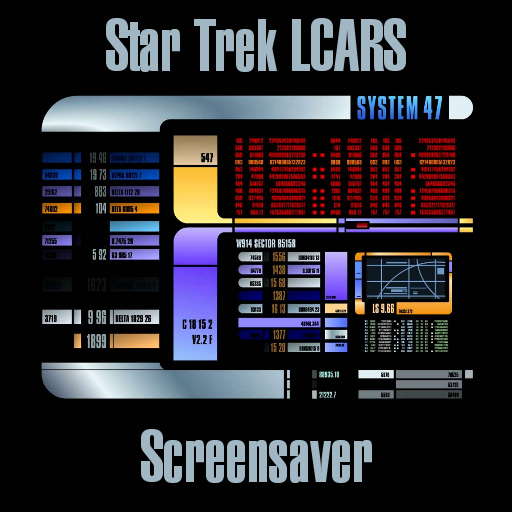
Check out NordVPNSystem 47 - Star Trek LCARS ScreenSaver
Disclaimer
Streaming not recommend for metered Internet, choose download option under settings.
Description
What is LCARS? LCARS is an acronym for "Library Computer Access and Retrieval System", which is the primary computer system in the universe of Star Trek's Starfleet and Federation. On many close-up shots from the Star Trek TV shows and movies, you can actually see the word, LCARS, on some computer monitor displays. For the fans, LCARS is also often used to refer the graphical displaying interface. There's actually another name for this type of graphical displays. It's "Okudagram". It is named after the inventor, Michael Okuda. Michael created it when he was the scenic art supervisor for the TV show, Star Trek: The Next Generation.
News
v.2.5 Updated for Kodi Nexus/Omega v.2.3[CR}- PY3 . v.2.2h[CR}- Added Mute sounds (Enabled by default).
How To Install
Direct installation
Via Repository
Via Directory
- Download the addon.
- Open up Kodi and navigate into Add-ons.

- Click the open box icon (above the side-menu).

- Select Install from zip file.
- If this is the first addon you install, Kodi will warn you about installing addons from "unknown sources" for security reasons - it's your call.
- In any case, Kodi will warn you, you may not get auto-updates for this addon.
- Navigate into the location where you've downloaded the addon to and select it to Install.


For a full installation guide please click here.
Additional Information
| Updated: | March 03, 2020 |
In Repositories: |
|
| Platform: | all |
Alternative Sources: | Download 1Download 2 |
| License: | GNU GENERAL PUBLIC LICENSE. Version 3, June 2007 |
Depends On: |